The invoice stays with you: the lessons and progress run under their name. Everything can still be adjusted at checkout.
Write music that tells a story.
For anyone curious about writing music for film – for picture, for short films, or just for the love of music that means something. The LA approach, calibrated to where you are and where you want to go.
 Logic Pro
 Ableton Live
Already make music? Start where you actually are →
1 Level 1 · Music to Picture
2 Level 2 · Orchestral Colors
3 Level 3 · Harmony & Emotion
4 Level 4 · Finish a Cue
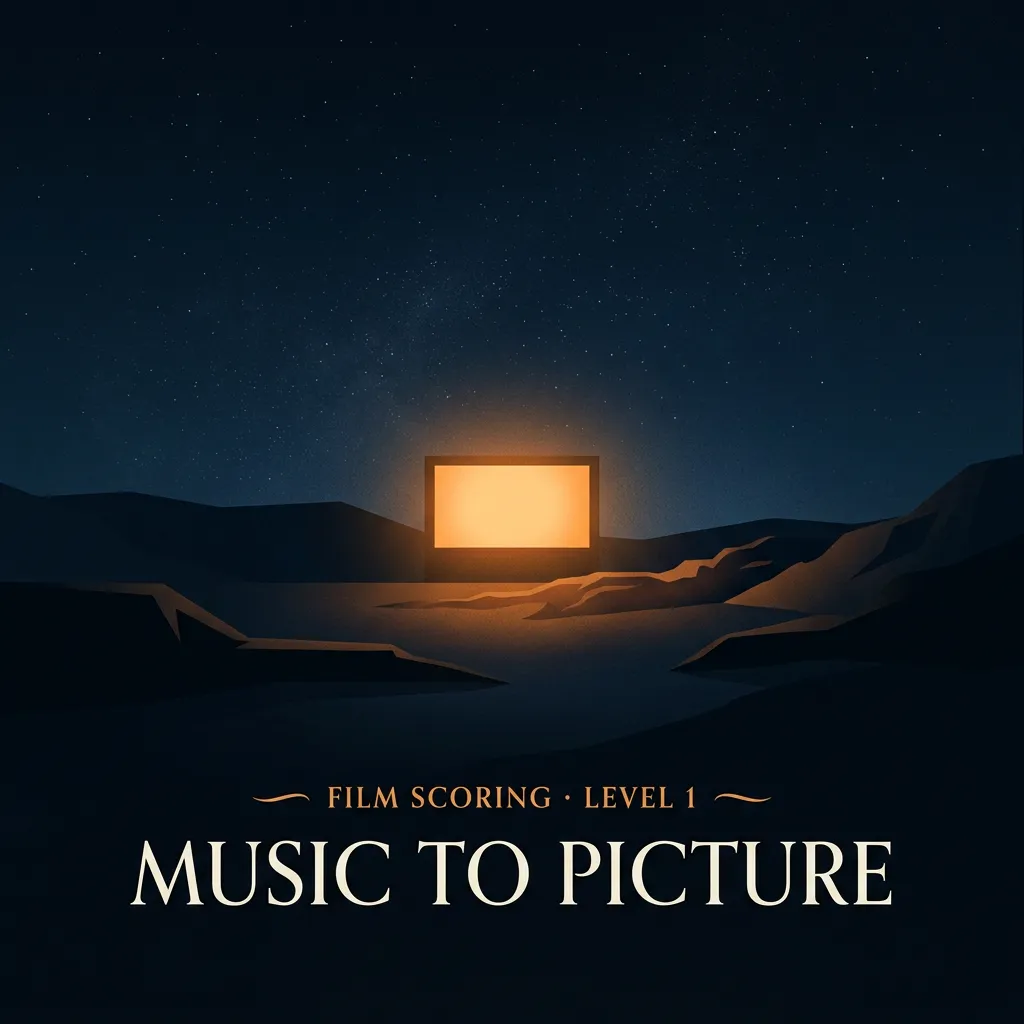
10 private sessions · 60 minutes each · on your schedule, start anytime
Already make music? Start where you actually are →The questions we hear most.
What age can you start?
From about nine. Below that we look at the individual case – when a younger kid is clearly ready, we'd rather say yes than point at a birthday.
Is this only for kids?
No. The tracks work the same at fifteen or fifty – private coaching meets you at your level, whatever your age.
Do you need any music background?
None. Every track starts at Level 1 – your first loop, your first song, your first cue. And if you already make music, a placement session finds your real level instead.
English or German?
Both – sessions, the website and the portal run in English or German. Just tell us which you prefer.
What does a session look like?
Sixty minutes, one to one, in your own DAW – we teach Logic Pro and Ableton Live. You share your session, we build the track together: online, or at the studio in Weinfelden. Most students come once or twice a week – but there's no subscription, you set the pace.
What equipment do you need?
A computer and headphones – that's the honest minimum; a phone or tablet won't cut it. Sessions happen in your DAW (Digital Audio Workstation – the program music gets made in). We teach Ableton Live on Windows or Mac, and Logic Pro on Mac. For Beats & Production and Film Scoring we recommend a MIDI keyboard; for Songwriting, an instrument to write with – guitar or piano work best.
Logic Pro
Ableton Live
How do online sessions work?
Over Sessionwire – studio-grade audio built for remote music teaching. You join in the browser or with the free app; no account, no subscription, one click from your lesson page.
How does the trial work?
One trial session at a fixed price, no commitment – you pick a time and book it in a couple of minutes. If we click, you pick a track and start at Level 1, or take a placement session if you already make music.
How do levels work?
Each track is twelve levels. You buy one at a time – a set number of sessions ending in a finished piece of music. No subscription, nothing renews by itself. And yes, you can switch tracks along the way – the levels you've earned stay yours.
What does it cost?
Every price is on the offerings page – per level, all-inclusive, no subscription. What you see is what you pay: music education is VAT-exempt in Switzerland, so nothing gets added at checkout.
What if you miss a session or need to move it?
Any session can be moved or cancelled free of charge up to 24 hours before it starts, right in the portal. Later than that – or a no-show – and the session counts as taken. If you're ill, reschedule rather than push through.
What if you pause – or stop?
Pausing is fine: credits stay valid for twelve months. If you stop for good, unused credits are refunded pro rata – sessions already taken aren't. The details live in the terms.
Can parents follow along?
Yes – the parent portal shows the schedule, the journey through the levels and every track your kid hands in. Kids get their own login for sessions and uploads, and it never shows an invoice or a price. You pay; they make music.
Who owns the music?
The student – fully. Every beat, song and score made here belongs to the person who made it: release it, share it, sell it.
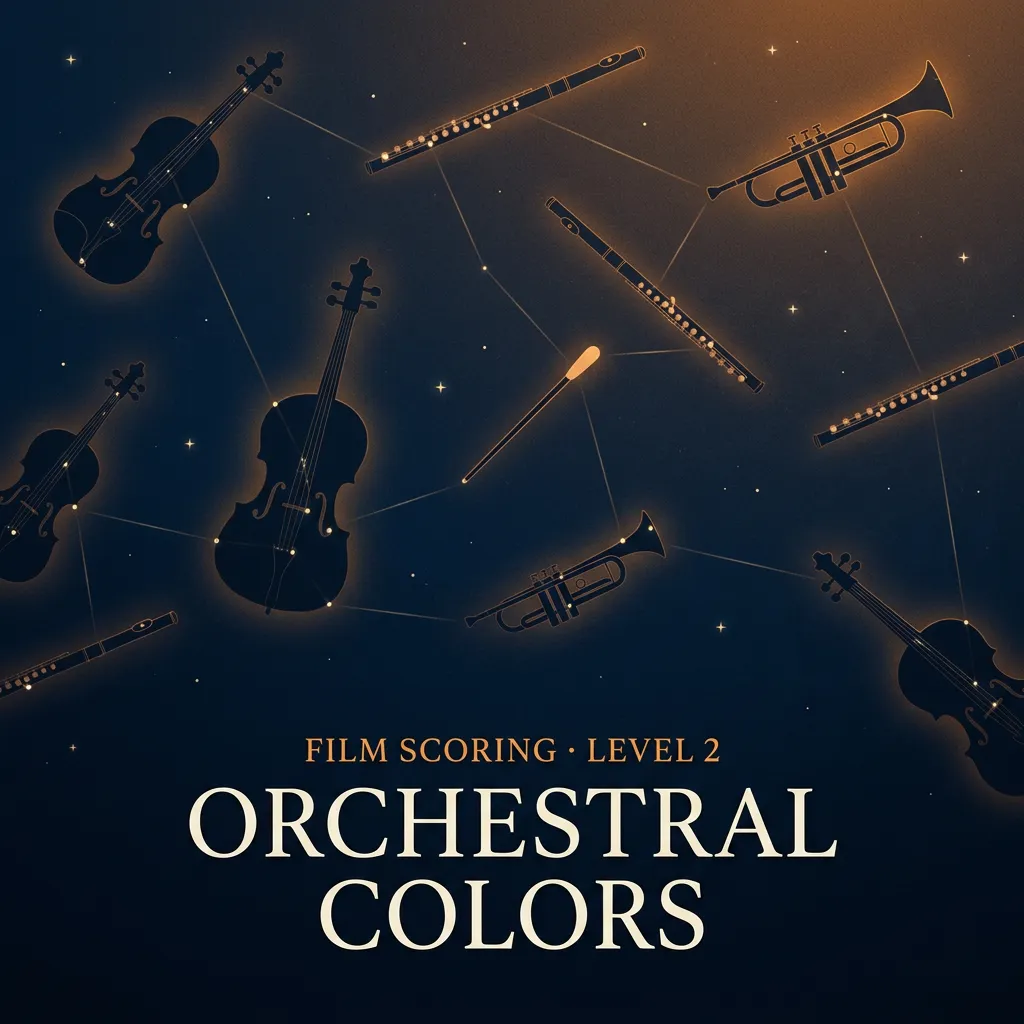
20 private sessions · 60 minutes each · on your schedule, start anytime
Already make music? Start where you actually are →The questions we hear most.
What age can you start?
From about nine. Below that we look at the individual case – when a younger kid is clearly ready, we'd rather say yes than point at a birthday.
Is this only for kids?
No. The tracks work the same at fifteen or fifty – private coaching meets you at your level, whatever your age.
Do you need any music background?
None. Every track starts at Level 1 – your first loop, your first song, your first cue. And if you already make music, a placement session finds your real level instead.
English or German?
Both – sessions, the website and the portal run in English or German. Just tell us which you prefer.
What does a session look like?
Sixty minutes, one to one, in your own DAW – we teach Logic Pro and Ableton Live. You share your session, we build the track together: online, or at the studio in Weinfelden. Most students come once or twice a week – but there's no subscription, you set the pace.
What equipment do you need?
A computer and headphones – that's the honest minimum; a phone or tablet won't cut it. Sessions happen in your DAW (Digital Audio Workstation – the program music gets made in). We teach Ableton Live on Windows or Mac, and Logic Pro on Mac. For Beats & Production and Film Scoring we recommend a MIDI keyboard; for Songwriting, an instrument to write with – guitar or piano work best.
Logic Pro
Ableton Live
How do online sessions work?
Over Sessionwire – studio-grade audio built for remote music teaching. You join in the browser or with the free app; no account, no subscription, one click from your lesson page.
How does the trial work?
One trial session at a fixed price, no commitment – you pick a time and book it in a couple of minutes. If we click, you pick a track and start at Level 1, or take a placement session if you already make music.
How do levels work?
Each track is twelve levels. You buy one at a time – a set number of sessions ending in a finished piece of music. No subscription, nothing renews by itself. And yes, you can switch tracks along the way – the levels you've earned stay yours.
What does it cost?
Every price is on the offerings page – per level, all-inclusive, no subscription. What you see is what you pay: music education is VAT-exempt in Switzerland, so nothing gets added at checkout.
What if you miss a session or need to move it?
Any session can be moved or cancelled free of charge up to 24 hours before it starts, right in the portal. Later than that – or a no-show – and the session counts as taken. If you're ill, reschedule rather than push through.
What if you pause – or stop?
Pausing is fine: credits stay valid for twelve months. If you stop for good, unused credits are refunded pro rata – sessions already taken aren't. The details live in the terms.
Can parents follow along?
Yes – the parent portal shows the schedule, the journey through the levels and every track your kid hands in. Kids get their own login for sessions and uploads, and it never shows an invoice or a price. You pay; they make music.
Who owns the music?
The student – fully. Every beat, song and score made here belongs to the person who made it: release it, share it, sell it.
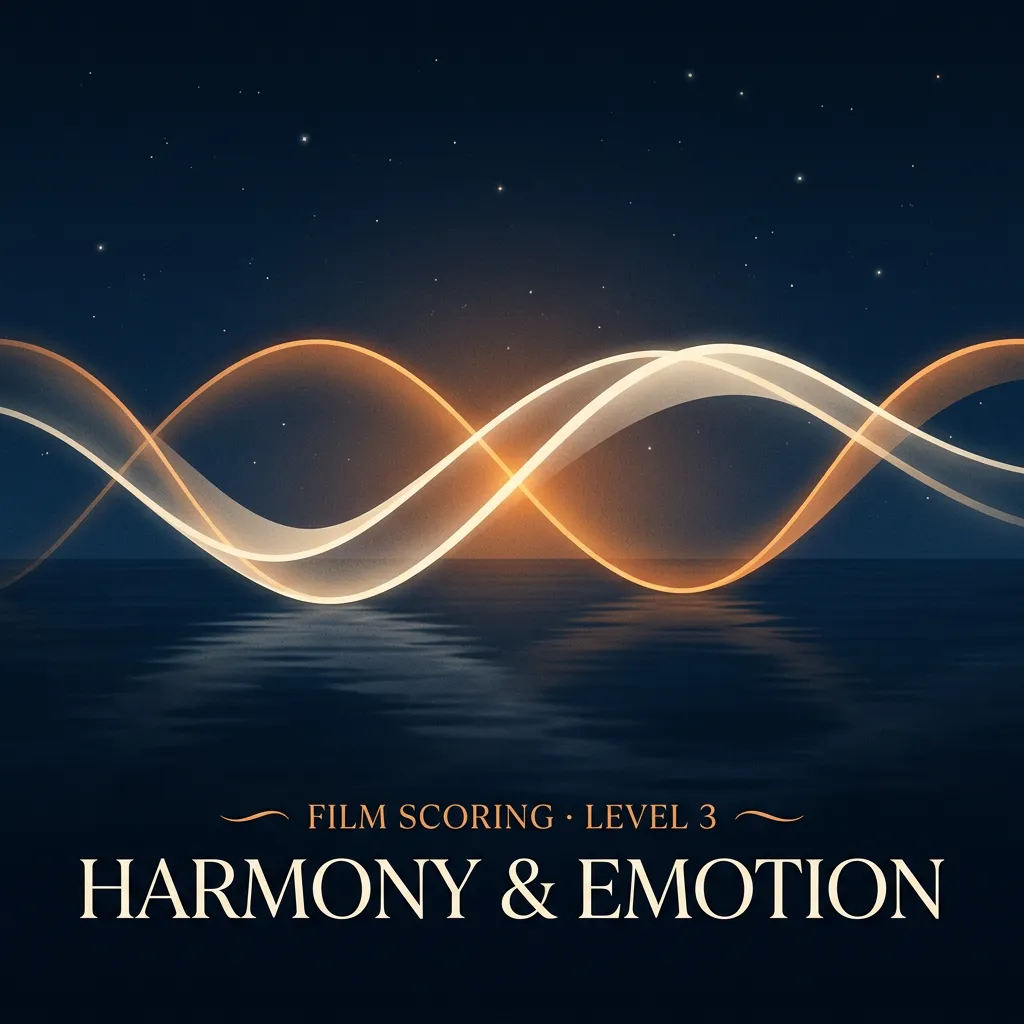
30 private sessions · 60 minutes each · on your schedule, start anytime
Already make music? Start where you actually are →The questions we hear most.
What age can you start?
From about nine. Below that we look at the individual case – when a younger kid is clearly ready, we'd rather say yes than point at a birthday.
Is this only for kids?
No. The tracks work the same at fifteen or fifty – private coaching meets you at your level, whatever your age.
Do you need any music background?
None. Every track starts at Level 1 – your first loop, your first song, your first cue. And if you already make music, a placement session finds your real level instead.
English or German?
Both – sessions, the website and the portal run in English or German. Just tell us which you prefer.
What does a session look like?
Sixty minutes, one to one, in your own DAW – we teach Logic Pro and Ableton Live. You share your session, we build the track together: online, or at the studio in Weinfelden. Most students come once or twice a week – but there's no subscription, you set the pace.
What equipment do you need?
A computer and headphones – that's the honest minimum; a phone or tablet won't cut it. Sessions happen in your DAW (Digital Audio Workstation – the program music gets made in). We teach Ableton Live on Windows or Mac, and Logic Pro on Mac. For Beats & Production and Film Scoring we recommend a MIDI keyboard; for Songwriting, an instrument to write with – guitar or piano work best.
Logic Pro
Ableton Live
How do online sessions work?
Over Sessionwire – studio-grade audio built for remote music teaching. You join in the browser or with the free app; no account, no subscription, one click from your lesson page.
How does the trial work?
One trial session at a fixed price, no commitment – you pick a time and book it in a couple of minutes. If we click, you pick a track and start at Level 1, or take a placement session if you already make music.
How do levels work?
Each track is twelve levels. You buy one at a time – a set number of sessions ending in a finished piece of music. No subscription, nothing renews by itself. And yes, you can switch tracks along the way – the levels you've earned stay yours.
What does it cost?
Every price is on the offerings page – per level, all-inclusive, no subscription. What you see is what you pay: music education is VAT-exempt in Switzerland, so nothing gets added at checkout.
What if you miss a session or need to move it?
Any session can be moved or cancelled free of charge up to 24 hours before it starts, right in the portal. Later than that – or a no-show – and the session counts as taken. If you're ill, reschedule rather than push through.
What if you pause – or stop?
Pausing is fine: credits stay valid for twelve months. If you stop for good, unused credits are refunded pro rata – sessions already taken aren't. The details live in the terms.
Can parents follow along?
Yes – the parent portal shows the schedule, the journey through the levels and every track your kid hands in. Kids get their own login for sessions and uploads, and it never shows an invoice or a price. You pay; they make music.
Who owns the music?
The student – fully. Every beat, song and score made here belongs to the person who made it: release it, share it, sell it.
40 private sessions · 60 minutes each · on your schedule, start anytime
Already make music? Start where you actually are → And above the summit: the sky. →The questions we hear most.
What age can you start?
From about nine. Below that we look at the individual case – when a younger kid is clearly ready, we'd rather say yes than point at a birthday.
Is this only for kids?
No. The tracks work the same at fifteen or fifty – private coaching meets you at your level, whatever your age.
Do you need any music background?
None. Every track starts at Level 1 – your first loop, your first song, your first cue. And if you already make music, a placement session finds your real level instead.
English or German?
Both – sessions, the website and the portal run in English or German. Just tell us which you prefer.
What does a session look like?
Sixty minutes, one to one, in your own DAW – we teach Logic Pro and Ableton Live. You share your session, we build the track together: online, or at the studio in Weinfelden. Most students come once or twice a week – but there's no subscription, you set the pace.
What equipment do you need?
A computer and headphones – that's the honest minimum; a phone or tablet won't cut it. Sessions happen in your DAW (Digital Audio Workstation – the program music gets made in). We teach Ableton Live on Windows or Mac, and Logic Pro on Mac. For Beats & Production and Film Scoring we recommend a MIDI keyboard; for Songwriting, an instrument to write with – guitar or piano work best.
Logic Pro
Ableton Live
How do online sessions work?
Over Sessionwire – studio-grade audio built for remote music teaching. You join in the browser or with the free app; no account, no subscription, one click from your lesson page.
How does the trial work?
One trial session at a fixed price, no commitment – you pick a time and book it in a couple of minutes. If we click, you pick a track and start at Level 1, or take a placement session if you already make music.
How do levels work?
Each track is twelve levels. You buy one at a time – a set number of sessions ending in a finished piece of music. No subscription, nothing renews by itself. And yes, you can switch tracks along the way – the levels you've earned stay yours.
What does it cost?
Every price is on the offerings page – per level, all-inclusive, no subscription. What you see is what you pay: music education is VAT-exempt in Switzerland, so nothing gets added at checkout.
What if you miss a session or need to move it?
Any session can be moved or cancelled free of charge up to 24 hours before it starts, right in the portal. Later than that – or a no-show – and the session counts as taken. If you're ill, reschedule rather than push through.
What if you pause – or stop?
Pausing is fine: credits stay valid for twelve months. If you stop for good, unused credits are refunded pro rata – sessions already taken aren't. The details live in the terms.
Can parents follow along?
Yes – the parent portal shows the schedule, the journey through the levels and every track your kid hands in. Kids get their own login for sessions and uploads, and it never shows an invoice or a price. You pay; they make music.
Who owns the music?
The student – fully. Every beat, song and score made here belongs to the person who made it: release it, share it, sell it.
One session tells you.
All you need is the will to finish.
Book a trialNot sure? Ask us anything →
The questions we hear most.
What age can you start?
From about nine. Below that we look at the individual case – when a younger kid is clearly ready, we'd rather say yes than point at a birthday.
Is this only for kids?
No. The tracks work the same at fifteen or fifty – private coaching meets you at your level, whatever your age.
Do you need any music background?
None. Every track starts at Level 1 – your first loop, your first song, your first cue. And if you already make music, a placement session finds your real level instead.
English or German?
Both – sessions, the website and the portal run in English or German. Just tell us which you prefer.
What does a session look like?
Sixty minutes, one to one, in your own DAW – we teach Logic Pro and Ableton Live. You share your session, we build the track together: online, or at the studio in Weinfelden. Most students come once or twice a week – but there's no subscription, you set the pace.
What equipment do you need?
A computer and headphones – that's the honest minimum; a phone or tablet won't cut it. Sessions happen in your DAW (Digital Audio Workstation – the program music gets made in). We teach Ableton Live on Windows or Mac, and Logic Pro on Mac. For Beats & Production and Film Scoring we recommend a MIDI keyboard; for Songwriting, an instrument to write with – guitar or piano work best.
Logic Pro
Ableton Live
How do online sessions work?
Over Sessionwire – studio-grade audio built for remote music teaching. You join in the browser or with the free app; no account, no subscription, one click from your lesson page.
How does the trial work?
One trial session at a fixed price, no commitment – you pick a time and book it in a couple of minutes. If we click, you pick a track and start at Level 1, or take a placement session if you already make music.
How do levels work?
Each track is twelve levels. You buy one at a time – a set number of sessions ending in a finished piece of music. No subscription, nothing renews by itself. And yes, you can switch tracks along the way – the levels you've earned stay yours.
What does it cost?
Every price is on the offerings page – per level, all-inclusive, no subscription. What you see is what you pay: music education is VAT-exempt in Switzerland, so nothing gets added at checkout.
What if you miss a session or need to move it?
Any session can be moved or cancelled free of charge up to 24 hours before it starts, right in the portal. Later than that – or a no-show – and the session counts as taken. If you're ill, reschedule rather than push through.
What if you pause – or stop?
Pausing is fine: credits stay valid for twelve months. If you stop for good, unused credits are refunded pro rata – sessions already taken aren't. The details live in the terms.
Can parents follow along?
Yes – the parent portal shows the schedule, the journey through the levels and every track your kid hands in. Kids get their own login for sessions and uploads, and it never shows an invoice or a price. You pay; they make music.
Who owns the music?
The student – fully. Every beat, song and score made here belongs to the person who made it: release it, share it, sell it.